
Write a request to Alæc
Structure a clear request by stating the objective, context, constraints, and expected result.
In this article
The composer at the bottom of the screen is where you enter requests. You do not need a special command, but a structured request helps Alæc understand the work you expect and reduces the exchanges needed to clarify your intent.
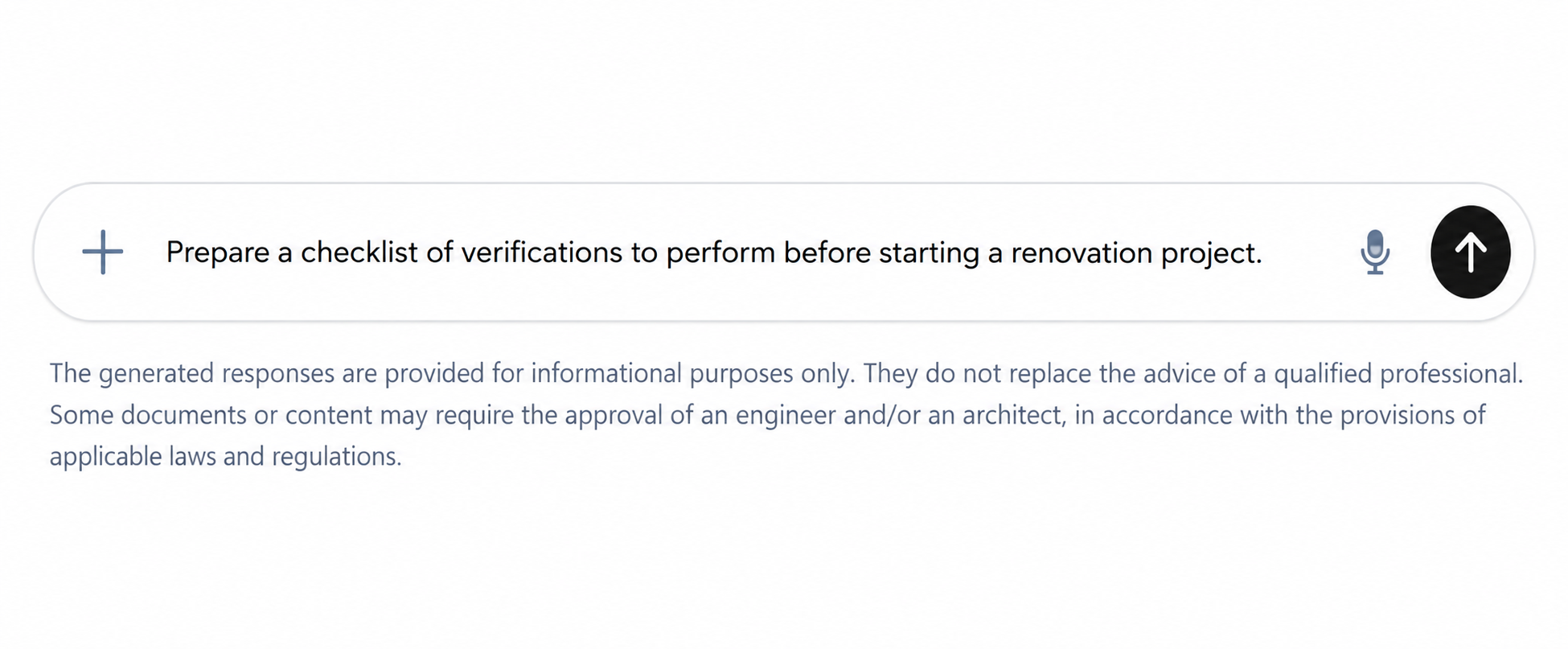
Structure a useful request
- Objective
- State the expected action: summarize, compare, verify, explain, prepare a draft, or create a list.
- Context
- Identify the project, intended audience, relevant facts, and reason for the request without adding unnecessary information.
- Constraints
- Specify length, tone, language, deadline, elements to exclude, or criteria to follow.
- Expected result
- Request a specific format, such as a table, action list, email, or summary with items requiring confirmation.
Before sending the request
- Confirm that the conversation covers the correct subject; start a new chat if the previous context is no longer relevant.
- Remove passwords, access secrets, unnecessary personal information, and anything you are not authorized to process.
- Name the documents or sources to use when they are available in your environment.
- State what Alæc should flag as unknown instead of inferring it.
- Identify who will read the result and how you intend to use it.
What Alæc should not have to guess
- Intended audience
- Identify the reader, their level of knowledge, and the expected tone.
- Period and version
- State the dates, document version, and point in time at which facts should be considered.
- Units and criteria
- Specify important units, thresholds, standards, and comparison criteria.
- Source priority
- State which document or system is authoritative when information conflicts.
- Result limits
- Ask for unknowns, assumptions, and items requiring human validation to be identified.
Refine the response
Identify precisely what is correct, incomplete, or needs rewriting.
Correct inaccurate facts instead of asking only for a better response.
Request another structure, a different level of detail, or an example when needed.
Ask for a final version only after confirming the important elements.
Example: a traceable comparison
“Compare only specification R2 and R3 attached to this conversation. Produce a table with section, old requirement, new requirement, source passage and impact to confirm. Keep units unchanged. Mark missing information as unknown. Do not change the original files. Ask before using any other source.” This defines inputs, output and boundaries in one request.
Advanced tips
- Give acceptance criteria: required sections, source references, unresolved questions and what counts as finished. Separate mandatory constraints from preferences.
- For large work, first request an outline and a list of missing inputs. Validate those before asking for the complete deliverable. A conversation goal can retain the overall objective where available.
- Specify the response language explicitly when it differs from the interface language. Changing the interface language does not translate existing documents or earlier messages.