
Choose Auto, Pro, and deep research
Choose how to approach a request, define the research scope, and review progress and sources without confusing mode with access.
In this article
Personal or temporary chat determines the conversation context. Auto/Pro and research depth are different controls: they affect how the request is processed. They do not grant access to other projects, share the conversation, or make a result automatically correct. Controls can be absent or disabled depending on configuration, permissions and active work.
Select the approach before sending
Use the response-mode control in the composer to inspect Auto and Pro when available. Auto is the initial selection; choosing Pro is an explicit preference, not a promise of a particular model, completion time or price.
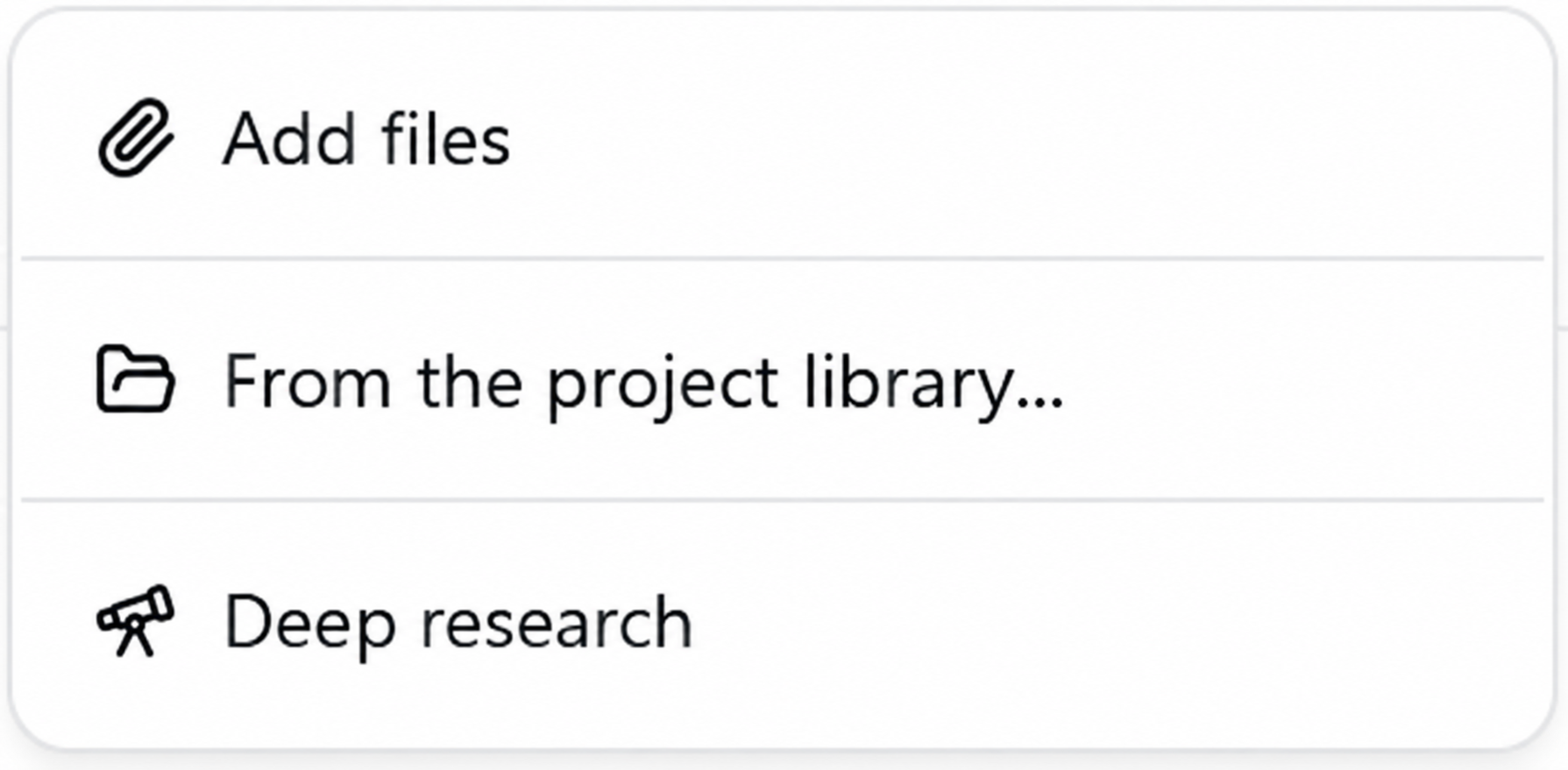
Open the composer’s + menu to find Deep research when offered. In surfaces that display a research-depth selector, select Standard or Deep there. Confirm the visible selection before sending.
State the question, time period, geographic scope, authorized sources, exclusions, and expected deliverable. Attach or identify the exact files and versions rather than saying “use the project documents.”
Read any clarification request and answer it before treating the work as complete. Check the activity status, final answer, and separately available files.
Read progress without guessing
Activity and tool details explain what has been observed during processing. A tool count, elapsed time, or prepared file does not establish that all requested work succeeded. Open each deliverable and check its scope. If a draft is offered while research continues, treat it as provisional until the final state and contents are reviewed.
Advanced tips
- Separate findings, assumptions, conflicting evidence and unanswered questions in your requested output. Ask for the date and applicability of each important source.
- For comparisons, name evaluation criteria in advance: version, jurisdiction, units, cost basis and decision date. Ask the assistant to preserve disagreements rather than averaging incompatible values.
- If scope changes during work, state exactly which sources or deliverables to retain. Read the acknowledgment or clarification before launching a second request.