
Complete a project’s context
Enter the project details, participants, keywords, parameters, and documents.
In this article
Project context includes detailed information, organizations, collaborators, keywords, parameters and accessible documents. Check the private or shared scope of the section you are using.
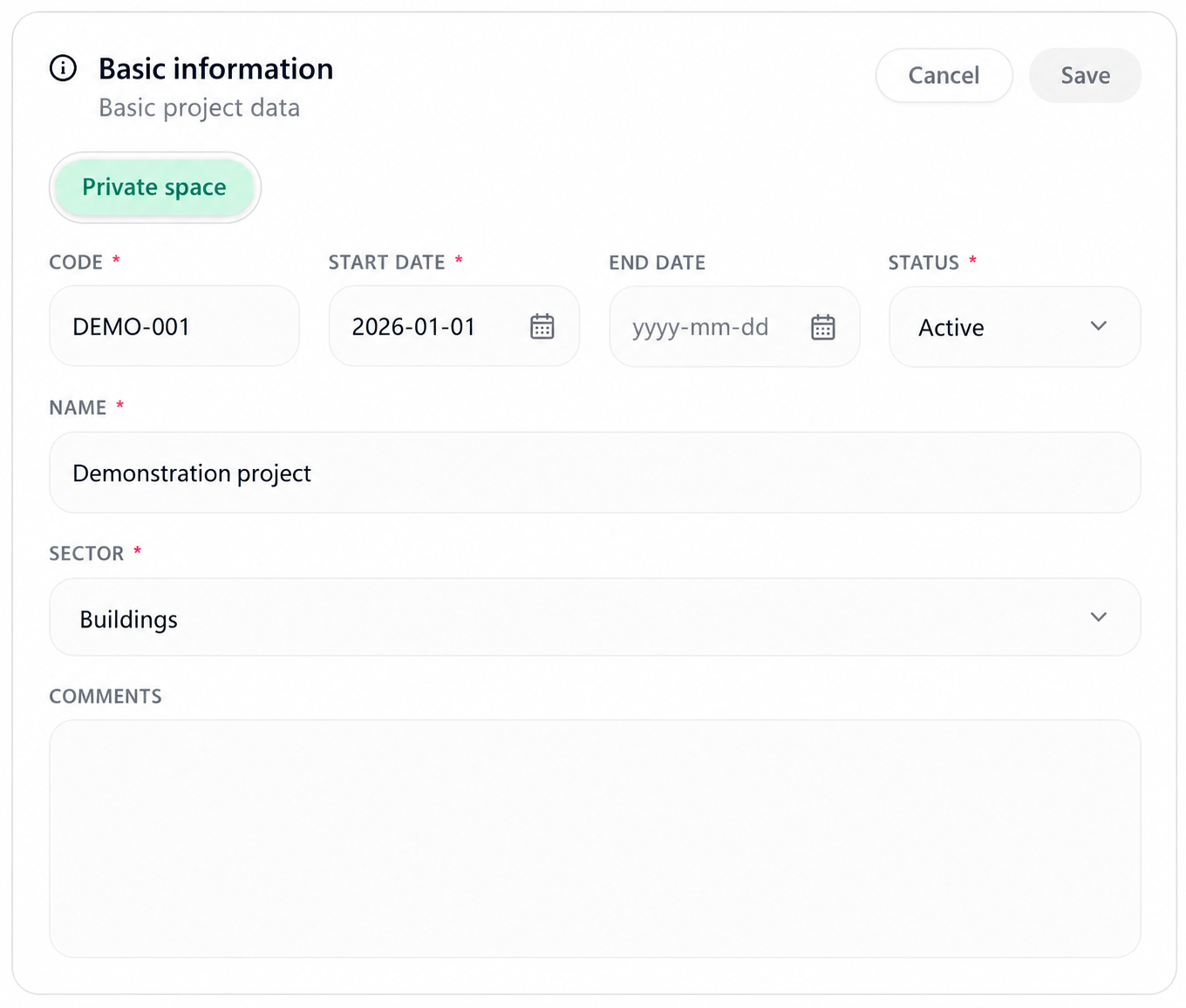
Detailed information and organizations
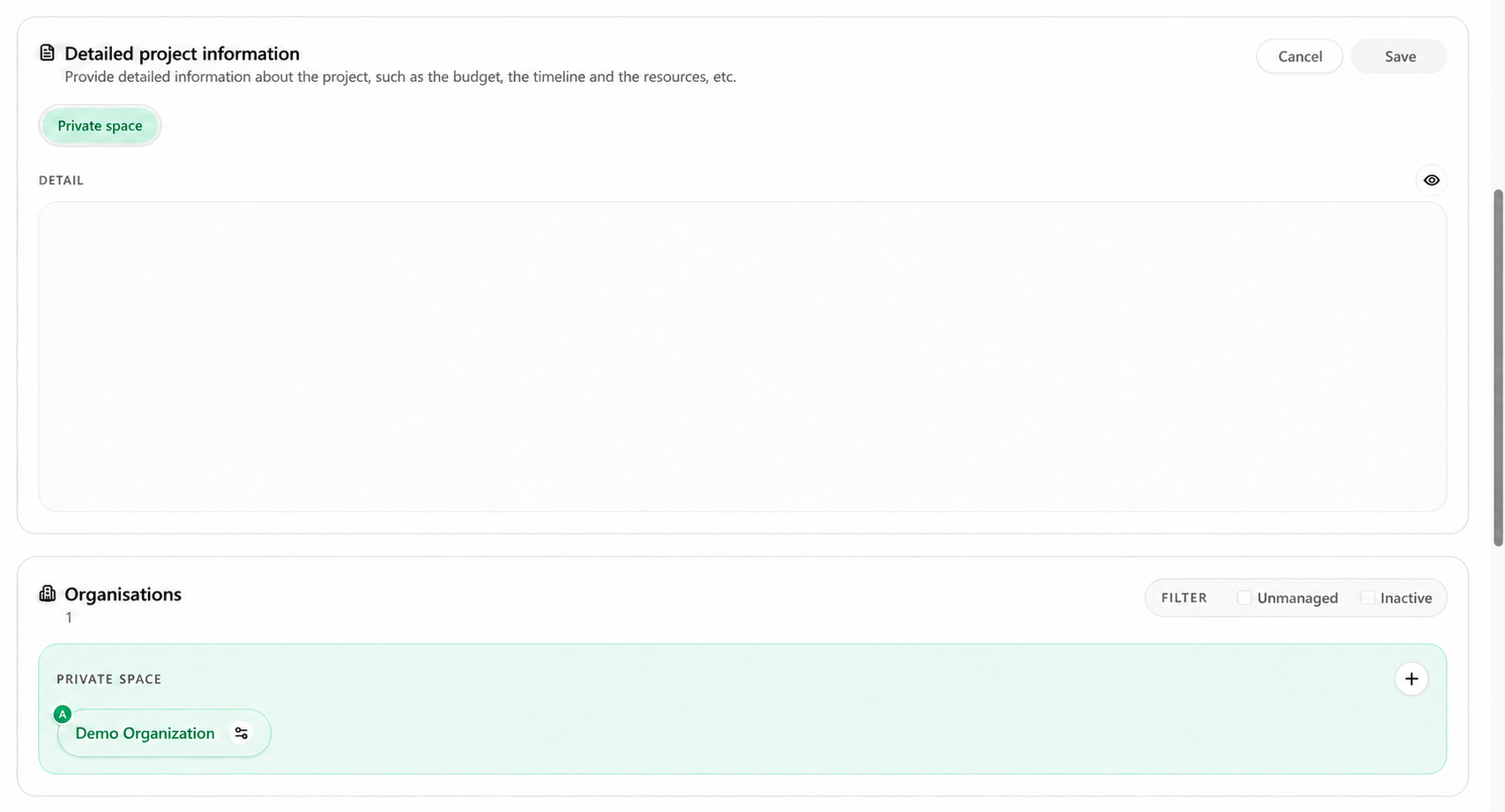
- Detail: describe the scope, budget, schedule, resources, and useful constraints.
- Organizations: add clients, partners, suppliers, or other entities associated with the mandate.
Collaborators, keywords, and parameters
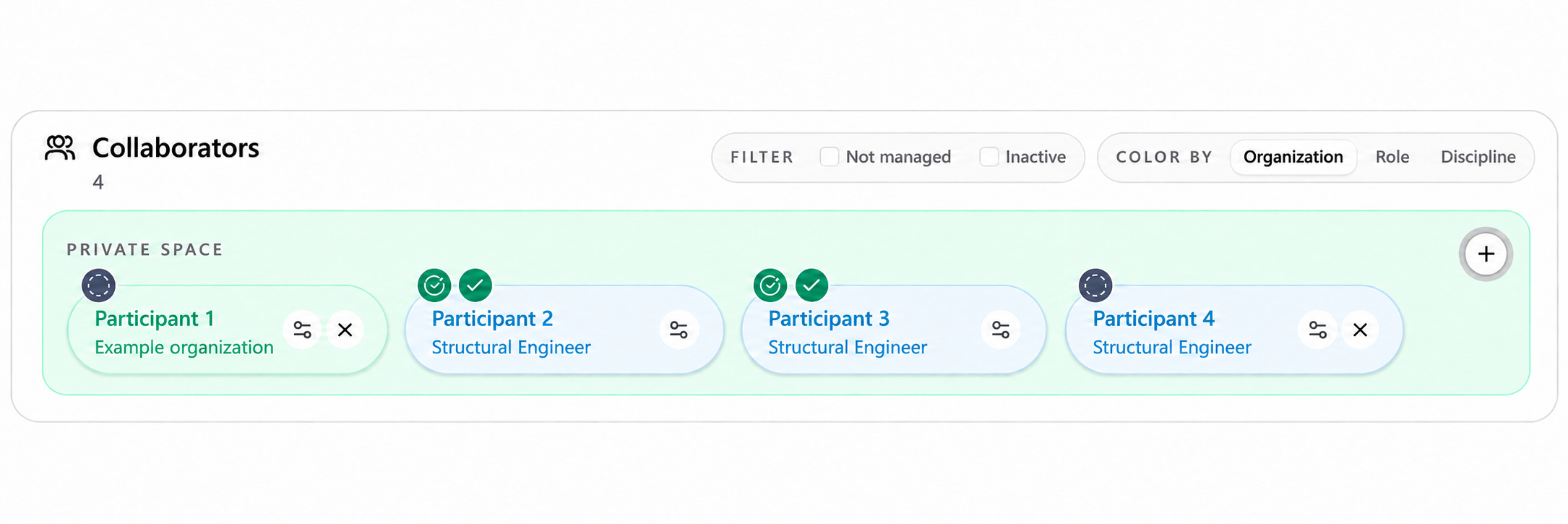
- Collaborators
- People involved in the project, with their organization, role, or discipline when available.
- Keywords
- Short terms that describe or classify the mandate, such as “renovation” or “structure.”
- Project parameters
- Structured values to retain, such as an area, target budget, or number of floors.
Select the plus button in the section to complete.
Search for or enter the requested item.
Assign a category, role, or discipline when that option is available.
Review the information, then confirm the addition.
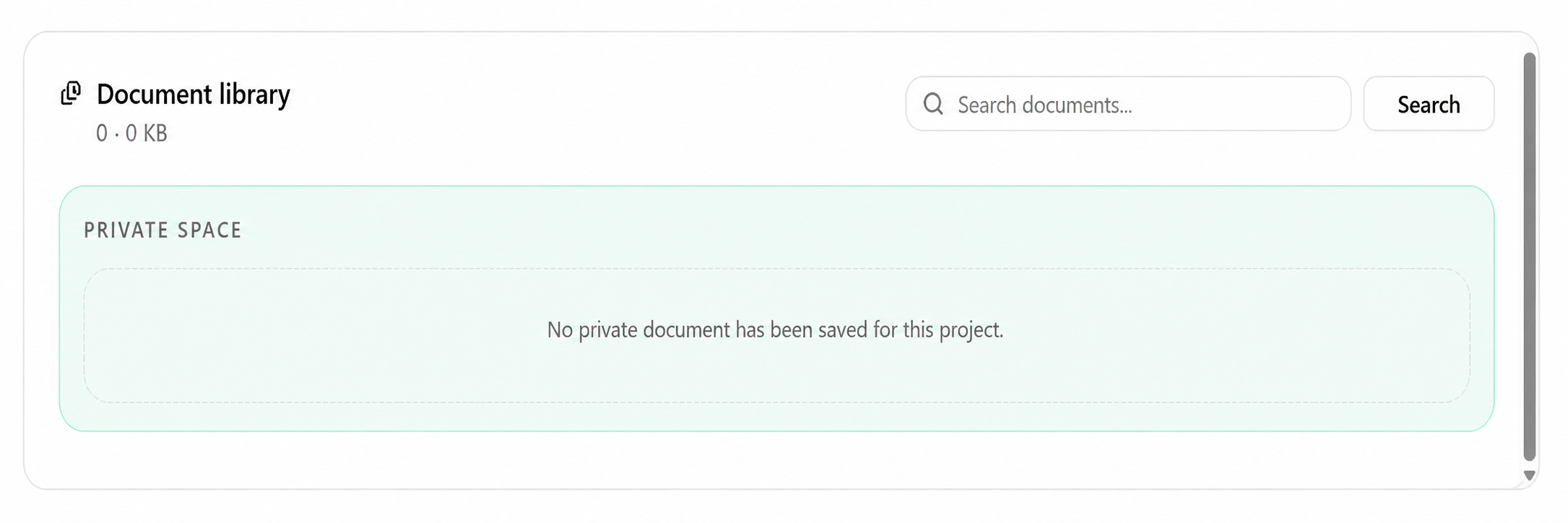
Document library
Build useful context
- Lasting facts
- Keep information that describes the assignment beyond a single question, such as parties, location, responsibilities, and approved parameters.
- Classification data
- Use keywords and categories consistently to support search and avoid unnecessary variants.
- Collaborators
- Add only people whose assignment role is confirmed and keep their responsibilities current.
- Documents
- Upload the correct version with a clear name, and remove or replace outdated files under your organization’s rules.
Maintain the context
Periodically compare project fields with the official system.
Correct structured data at its source instead of compensating with a contradictory comment.
Verify access before adding a collaborator or confidential document.
Explicitly state new or critical facts in the conversation even when they also appear in the project.
Before reusing an earlier result, confirm that context and documents have not changed.
Practical guidance
A project space brings together structured facts, participants, narrative and accessible resources. Select the section you need and check which private or shared side is active before editing. The conversation’s project association helps establish context, but does not establish that every project resource was consulted for a response.
Advanced tips
For a consequential request, identify the exact project code, relevant document version and scope in the request. Compare the response’s references with those inputs; a correct project title alone is insufficient evidence that the intended version informed the answer.