
Find a conversation
Quickly find a previous conversation using a few words.
In this article
Search lets you resume an existing exchange without browsing the full list of recent conversations.
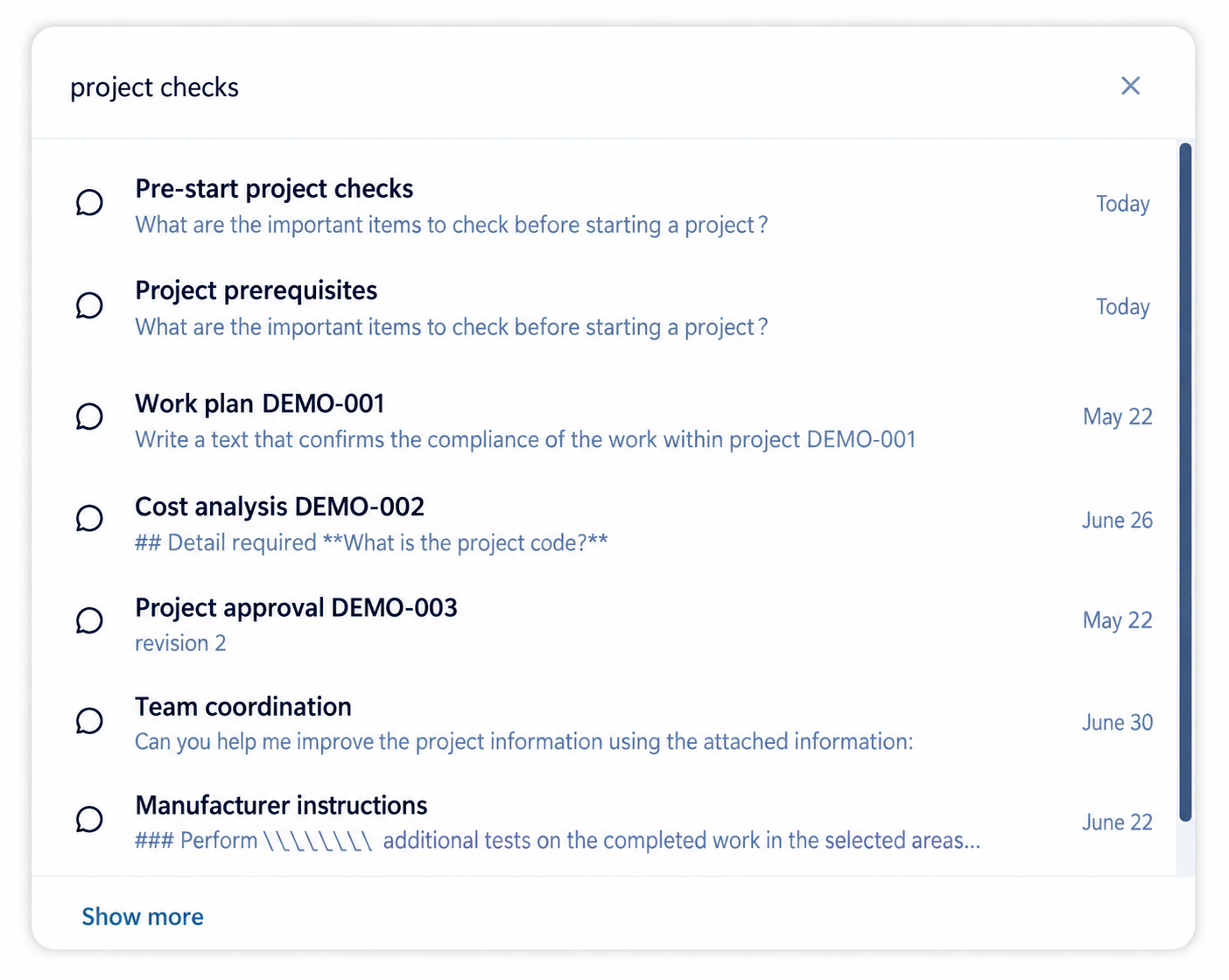
Open “Search chats”.
Enter a few words related to the conversation.
Select the desired result.
Choose useful search terms
- Start with a project name, client, deliverable, or distinctive phrase used in the exchange.
- Try a synonym or shorter wording when the first term returns nothing.
- Avoid long sentences; combine two or three words that distinguish the subject.
- Search similar subjects separately so you do not reopen a conversation about another assignment.
Before continuing the conversation
Review the title and latest messages to confirm the objective of the exchange.
Verify names, dates, and project references before adding new information.
Confirm that the confidentiality level and participants still match the need.
Start a new chat when the result only covers a similar subject.
Practical guidance
Search results identify accessible saved conversations. Check the active account and any project or conversation filters when the expected exchange is absent. A temporary conversation cannot be recovered from normal saved-chat history simply by changing the search terms.
Advanced tips
Use a distinctive project code together with a subject word, then inspect the latest messages before continuing. Similar titles can refer to different versions of a deliverable; confirm the source date and objective rather than choosing only by title.