
Find a completed document
Open a document when Alæc reports it as ready in notifications.
In this article
When a document is ready, a notification can display its name along with an “Open” command. This notification serves as an access point to the generated result.
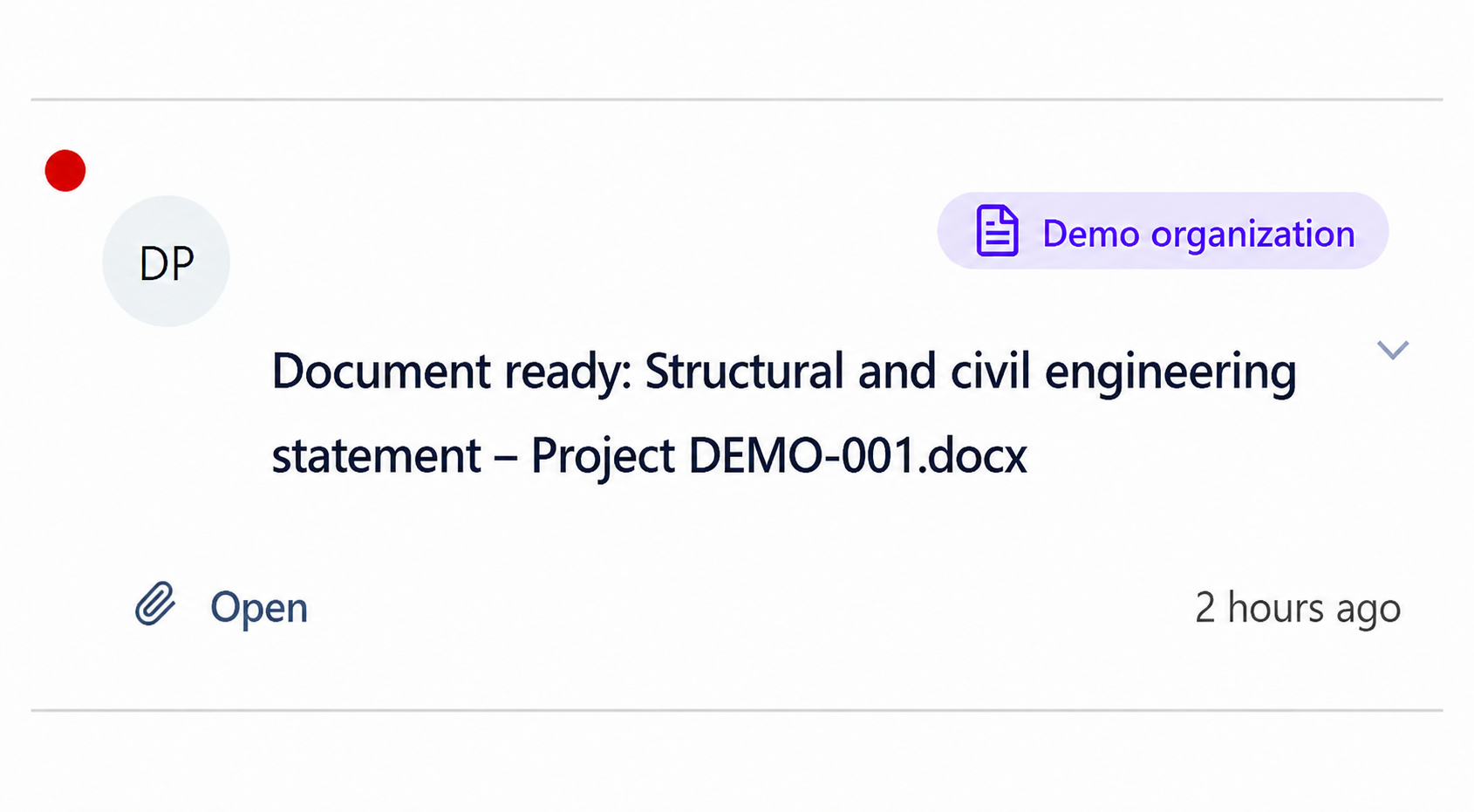
Open notifications.
Find the corresponding “Document ready” notification.
Select “Open”.
Identify the correct version
- Compare the document name, project, deliverable type, and time with the original request.
- Open the corresponding conversation to confirm the instructions and data used.
- Distinguish a new generation from a document already reviewed or downloaded.
- Do not rely only on the filename when several processes were started.
After opening the document
Verify that the file opens completely and matches the expected format.
Check content, calculations, recipients, dates, and references.
Have the document corrected or regenerated when its source or context was incomplete.
Retain only the approved version in the official document system.
Practical guidance
A document notification is an entry point to a result, not a document register. Check its source and creation time, open the current link and confirm that the file belongs to the intended request. The notification may become read when opened even though your document review is still in progress.
Advanced tips
Keep approved files in the designated document system with their revision and approval evidence. If a link no longer opens, report the affected notification and request rather than generating a new version solely to recover access to the old one.